COMMUNITY-SOURCEDNOV 19, 2026 SNAPSHOT
A base PS5 player shares a TV motion-smoothing setup that makes GTA 6 look smoother, not true 60 FPS
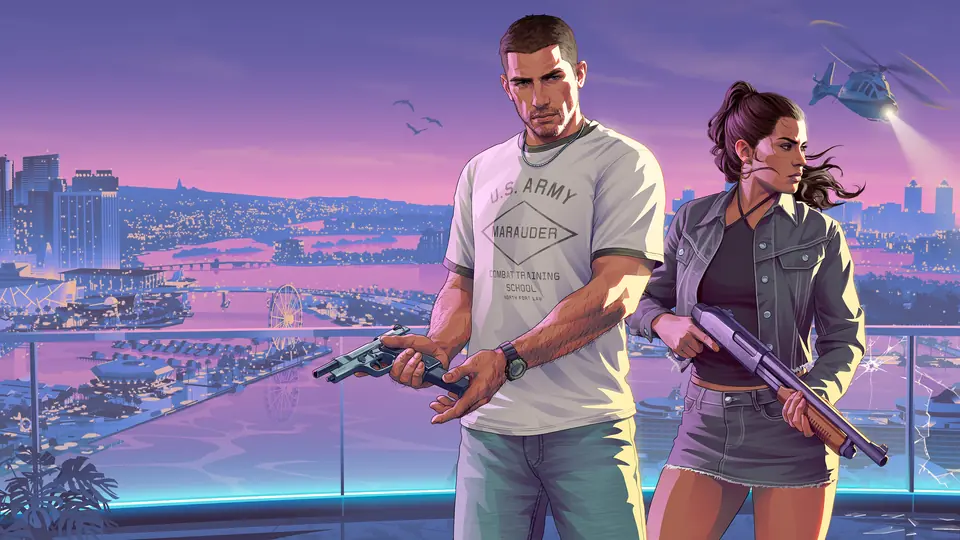
IMAGE: ROCKSTAR GAMES
A post on r/GTAVI shares a setup for a base PS5 on a budget LG TV (model LG 50UQ8050PSB). The poster says clearly that the game still does not render at 60 FPS; the TV adds in-betw
From the reference
A short attributed excerpt from GTA 6 Community Wiki. Claims below retain their source context and have not all been independently verified.
A post on r/GTAVI shares a setup for a base PS5 on a budget LG TV (model LG 50UQ8050PSB). The poster says clearly that the game still does not render at 60 FPS; the TV adds in-between frames so motion looks smoother. Step one is to turn off ALLM on the PS5 (Settings, Screen and Video, Video Output), because ALLM forces the TV into Game Mode, which usually disables motion smoothing. The next step is to turn on the TV's own motion smoothing. The poster…
In this topic
Explore these subjects in the original guide and its linked reporting.
- Key points
Check the sources
Original reporting and posts linked by the reference. External pages may include spoilers.