COMMUNITY-SOURCEDNOV 19, 2026 SNAPSHOT
A player tip says OLED owners should lock refresh rate to a multiple of 30 for smoother GTA 6 play.
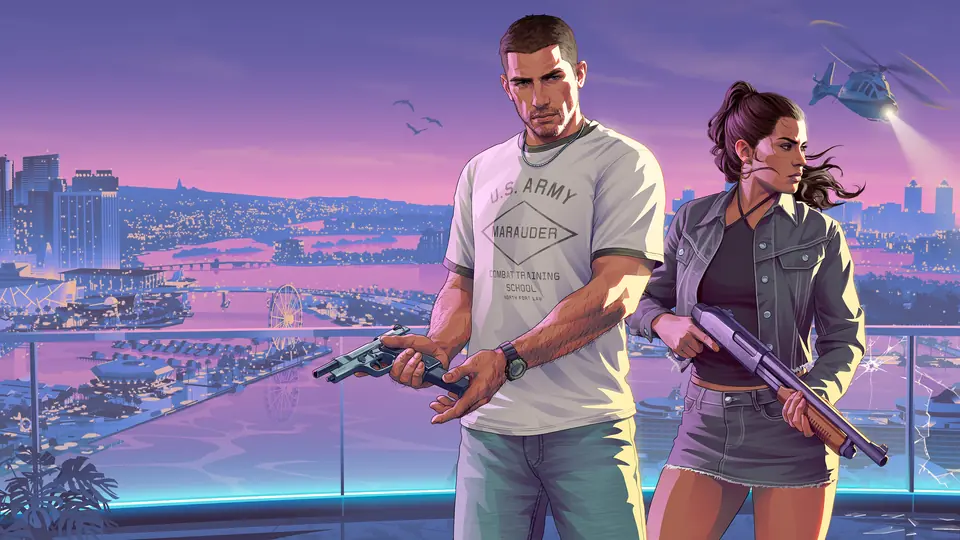
IMAGE: ROCKSTAR GAMES
A post crossposted from r/GTA gives a tip for high refresh rate OLED and QD-OLED screens. It says to turn on console mode or lock the refresh rate to a number that divides cleanly
From the reference
A short attributed excerpt from GTA 6 Community Wiki. Claims below retain their source context and have not all been independently verified.
A post crossposted from r/GTA gives a tip for high refresh rate OLED and QD-OLED screens. It says to turn on console mode or lock the refresh rate to a number that divides cleanly by 30. The poster says other rates give a choppy image because of frame pull-down. This is one player's advice, not an official setting guide. This has not been confirmed by Rockstar Games or Take-Two.…
Check the sources
Original reporting and posts linked by the reference. External pages may include spoilers.